
How to Use a Minecraft Circle Generator? Full Tutorial 2026
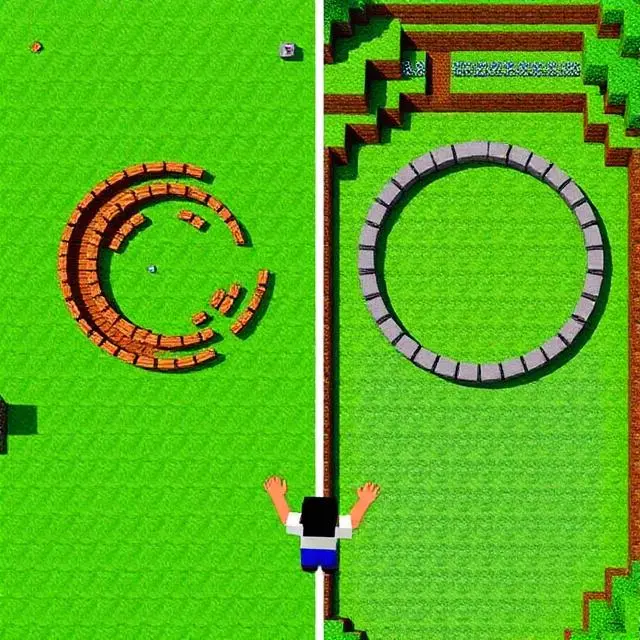
Building Circles in Minecraft Is Actually Painful (Until You Find This)
Okay, so here’s the thing. I spent three hours one afternoon trying to build a round tower in Minecraft. Three hours. And when I finally stepped back to look at it? It looked like someone had dropped a bag of potatoes on the ground and called it architecture.
If you’ve ever tried to build a circle in a game made entirely of squares, you already know this pain. It feels like the game is working against you. And honestly? It kind of is.
But then I found a Minecraft Circle Generator, and my whole approach to building changed. No joke. So let me walk you through exactly what it is and how to use one—properly—so you don’t waste a Saturday the way I did.
Here’s Why Circles Feel So Impossible
So when you try to draw a circle by hand, you’re basically doing geometry in your head while also trying to count blocks, keep things symmetrical, and not fall off whatever you’re building. It’s a lot.
And the bigger you go, the worse it gets. A tiny 9-block ring? Annoying but doable. A 60-block arena base? That’s where most people just give up and build a square and tell themselves it’s “more of a modern design.”
The problem isn’t your skill. It’s that you don’t have the right reference to work from.
So What Actually Is a Minecraft Circle Generator?
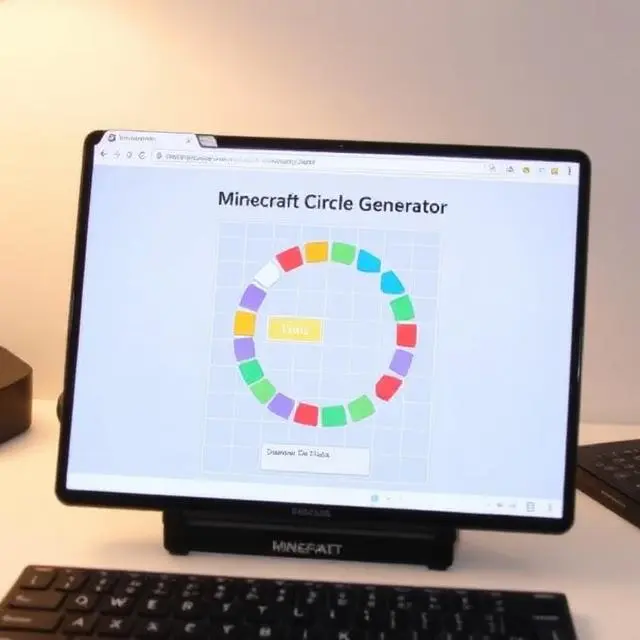
A Minecraft Circle Generator is basically a free online tool that draws a circle on a block-style grid for you. You type in how big you want the circle to be, and it shows you exactly which squares to fill in.
Think of it as a Minecraft circle blueprint—a map that tells you block by block where things go. You just follow it. No guessing, no math, no frustration.
The best ones for 2026 are browser-based, so there’s nothing to install. Donat Studios has one that’s been around forever and still works great. There are newer options too—just Google “Minecraft circle generator 2026,” and you’ll have options within seconds.
Some generators even let you do ovals, spheres, and cylinders. But for now, let’s focus on the basics—a flat circle.
Step-by-Step: How To Actually Use One
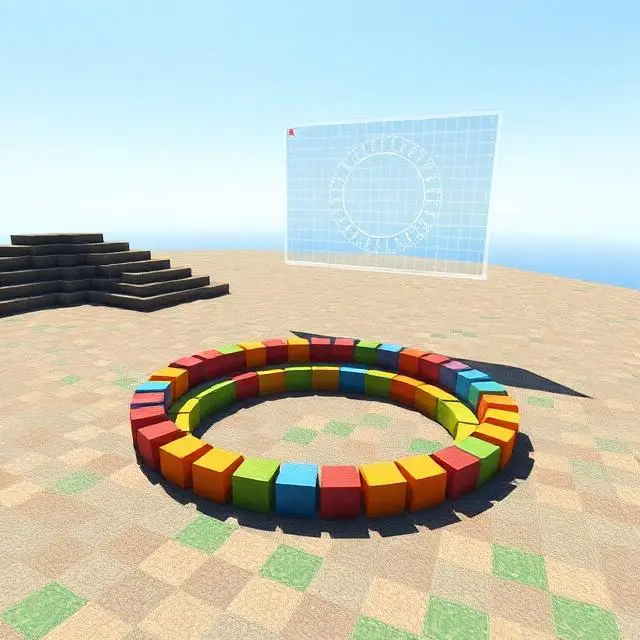
This is the part most tutorials skip over or rush through, so I’m going to be really specific here.
Step 1—Open the Generator
Search “Minecraft circle generator” in your browser. Open one of the top results. You’ll see a grid with a circle shape on it and a box somewhere to enter your size.
Step 2—Pick Your Size
Enter the diameter you want. “Diameter” just means how wide the circle is from one side to the other. If you’re brand new to this, start with 21 blocks. It’s a comfortable size—not too tiny to see clearly, not too big to build in one sitting.
Step 3—Look at the Grid
Once you enter the number, the tool will draw your Minecraft circle layout automatically. The colored squares are where your blocks go. The empty squares are where they don’t. That’s literally all you need to read.
Step 4—Save It
Screenshot the grid or pull it up on your phone while you build. You’ll be looking at it constantly, so having it on a second screen helps a lot.
Step 5—Set Up in Minecraft
Jump into Creative Mode—especially if this is your first time. A flat world makes counting much easier. Place a unique block right at the center point of where your circle will be. Something bright and obvious like a gold block works great.
Step 6—Build Row by Row
Don’t try to place the whole thing at once. Pick one side and work across, one row at a time, checking the grid as you go. Think of it like coloring in a grid on graph paper.
Step 7—Check From Above
Every few minutes, fly up and look straight down at your build. Compare it to the generator image. Catch mistakes early—a wrong block in row three is way easier to fix than finding out everything’s been off since the beginning.
Once you’ve done this even once, the whole process clicks. Your second circle will take half the time.
Why Bother Using a Generator at All?
Honestly, some people feel like using a generator is somehow cheating. It’s not. Professional builders use references all the time—that’s just smart building.
Here’s what you actually get out of it. Your circles come out clean and symmetrical every single time. You stop wasting blocks on rebuilds. You can plan your Minecraft dome build or arena before you place a single block. And you spend more time on the fun creative parts instead of doing frustrating geometry by hand.
It also opens up builds you’d never attempt otherwise—things that look way more impressive than anything square.
What Can You Actually Build With This?
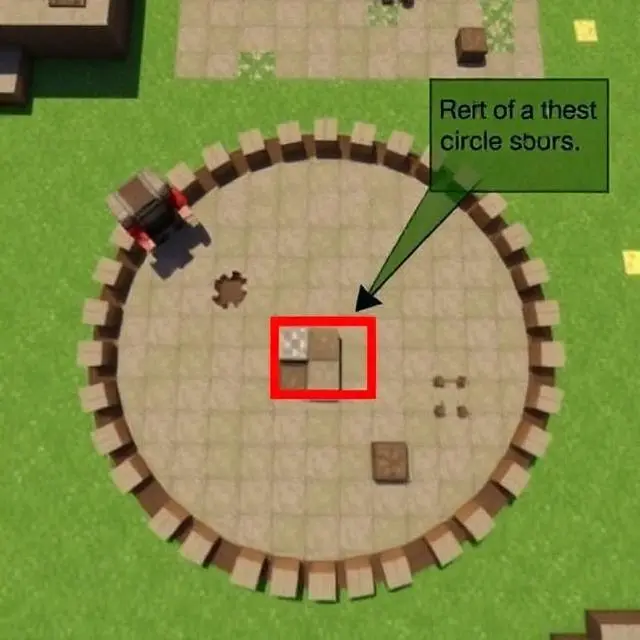
Once you know how to make a circle in Minecraft, you’ll find reasons to use them everywhere. A few ideas to get you started:
Round towers look dramatically better than square ones. Domes are just stacked circles that get smaller as they go up—start big at the base, then shrink the diameter with each layer. Circular arenas feel more epic and balanced than rectangular ones. Wells, fountains, and decorative islands all benefit from a good circle too. Pixel art fans use this technique constantly for planets, shields, and faces.
The Minecraft circle generator is also the starting point for any serious dome build. Once you can nail a flat circle, the dome is just the next step.
Quick Tips That Actually Help
A few things that made a real difference when I started doing this:
Odd-numbered diameters (21, 31, 51, etc.) tend to produce more balanced, symmetrical circles than even numbers. Always mark your center before anything else—it’s your anchor point for the whole build. Build the outer ring first, then worry about filling it in. And if something looks weird while you’re mid-build, trust the blueprint anyway. It usually looks right once it’s done.
One more thing—work in Creative Mode until you’re comfortable with the process. Doing this in Survival while managing hunger and inventory is an unnecessary headache when you’re learning.
Mistakes That Catch People Out
The most common one is rushing. People get excited, start placing blocks fast, and drift off the grid without noticing. Slow is smooth. Smooth is fast.
Another one is forgetting to center the build properly. If you don’t anchor your center block before starting, the whole circle can end up lopsided or shifted to one side.
And don’t skip the overhead check. What looks fine at eye level often reveals a glaring error from above. Make it a habit to fly up every few rows.
Go Build Your First Perfect Circle
Look, Minecraft building tips come in all shapes—but honestly, learning to use a Minecraft Circle Generator is one of the highest-value things you can do as a builder. It unlocks a whole category of builds that used to feel off-limits.
You don’t need to be a redstone genius or have a thousand hours in the game. You just need a free browser tool, a flat world, and a bit of patience for your first attempt.
So open up a generator today, type in 21, screenshot the grid, and go place some blocks. Your first clean circle is going to feel surprisingly satisfying—and once you build one, I can almost guarantee you’ll immediately start planning the next one.
The dome’s waiting. Go build it.