Minecraft Shaders Installation Guide (Complete 2026 Tutorial)
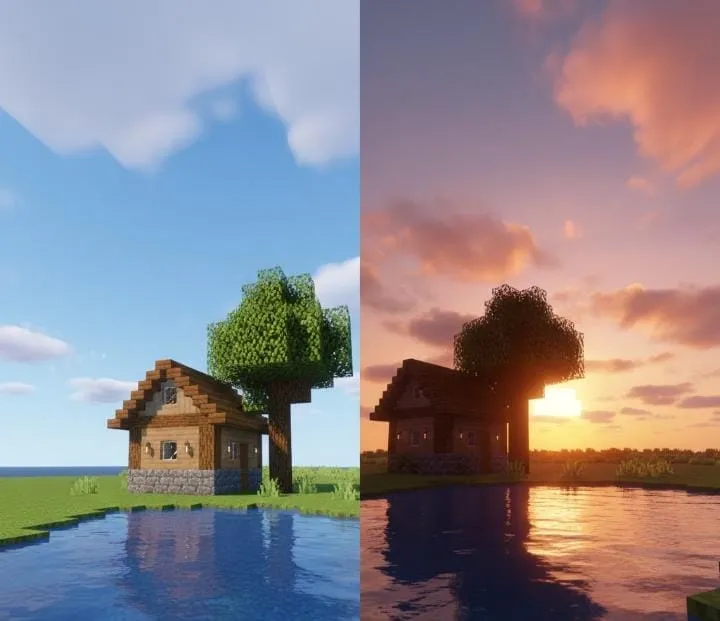
If you want glowing sunlight, better shadows, smooth water, and dramatic skies, shaders are the solution.
This guide explains everything in simple steps. No confusion. No extra talk.
Why Use Shaders?
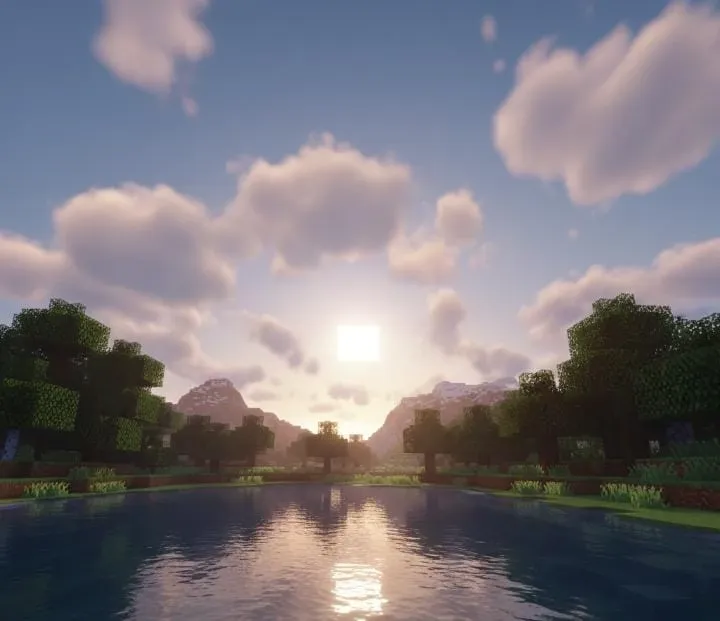
Shaders improve the visual experience of Minecraft.
With shaders enabled, you will notice:
- Soft natural lighting
- Realistic shadows under trees and buildings
- Reflective water surfaces
- Better clouds and sky colors
- Improved rain and weather effects
The gameplay stays the same. Only the visuals change.
Important: Java Edition Only
Shaders work on Minecraft Java Edition.
If you are using Bedrock Edition (mobile, console, Windows edition), this method will not work.
Step 1: Prepare Your Game
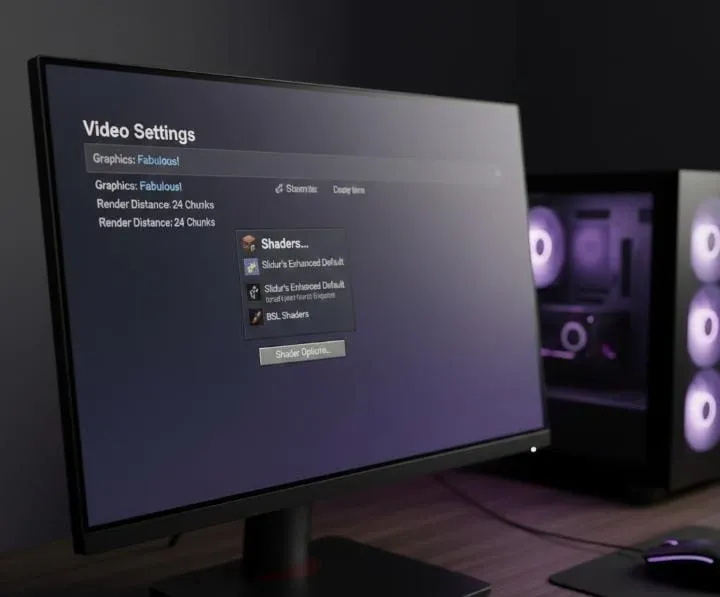
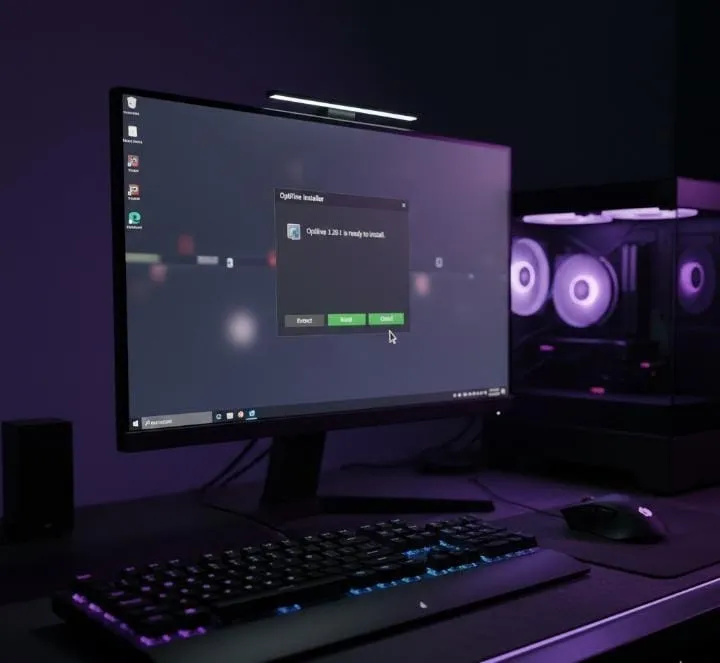
Before installing shaders, you need a tool called OptiFine.
OptiFine allows Minecraft to load shader packs.
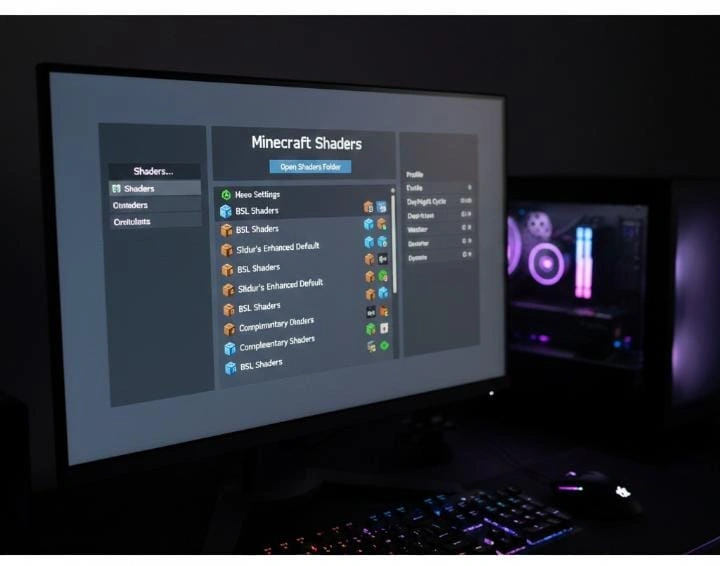
Install it by:
- Downloading the correct version for your Minecraft release.
- Opening the file.
- Clicking Install.
- Launching Minecraft using the OptiFine profile.
Once the game runs, you are ready for the next step.
Step 2: Choose a Shader Pack
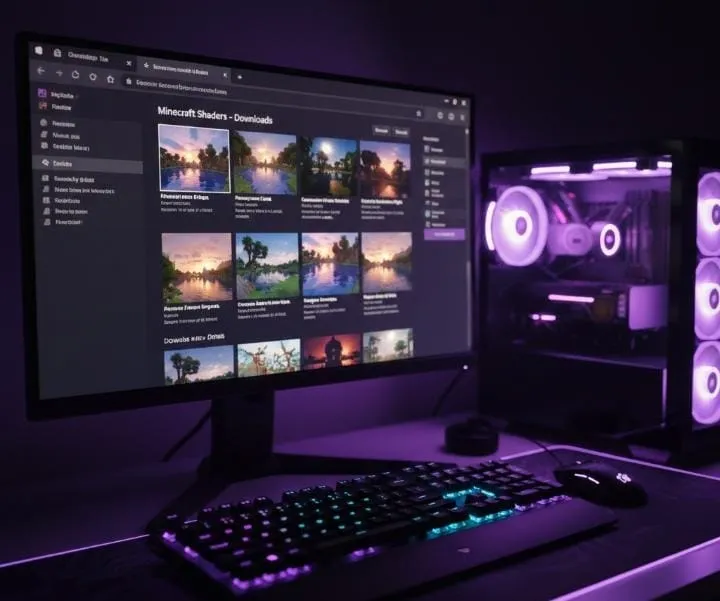
Now you need a shader file.
There are many types available. Some are heavy and realistic. Others are lightweight and smooth.
Download the shader file and keep it as a ZIP file. Do not extract it.
Step 3: Activate Shaders In-Game
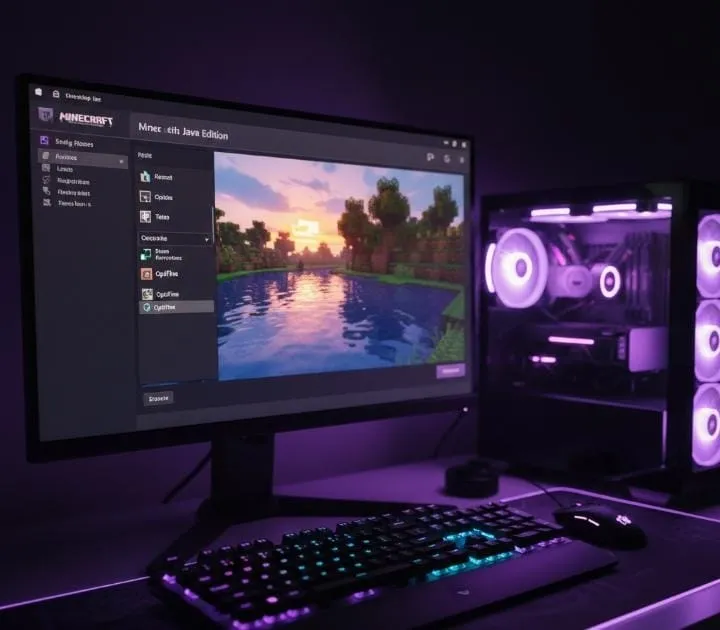
Follow this path inside Minecraft:
Options → Video Settings → Shaders
Click on Open Shader Folder.
Move your downloaded ZIP file into that folder.
Return to the game menu and select the shader pack.
Press Done.
Your world will reload with improved graphics.
If the Game Becomes Slow
Shaders use more system power.
To fix lag:
- Lower render distance
- Disable extra lighting effects
- Use performance-friendly shader versions
- Close other programs running on your PC
This helps maintain smooth FPS.
Is It Worth Installing Shaders?
If you enjoy beautiful scenery and immersive visuals, then yes.
Shaders make:
- Sunsets look cinematic
- Oceans look realistic
- Forests feel alive
- Builds look more impressive
It’s a visual upgrade without changing gameplay mechanics.
Final Thoughts
Installing Minecraft shaders is simple once you understand the steps.
With OptiFine and the right shader pack, you can transform your Minecraft world in just a few minutes.
For more helpful Minecraft tutorials and safe guides, visit minecraftapkdownloads.com.
Enjoy your new graphics experience 🎮✨